E-commerce ERP integration: two-way sync between your online store and your ERP, inventory, pricing and fiscalization
Your store and your ERP should agree on every number.
When a store and an ERP don't talk, someone on your team becomes the integration. They copy stock levels, re-type orders and fix prices that drifted overnight. It works until volume grows, and then the mistakes start to cost money.
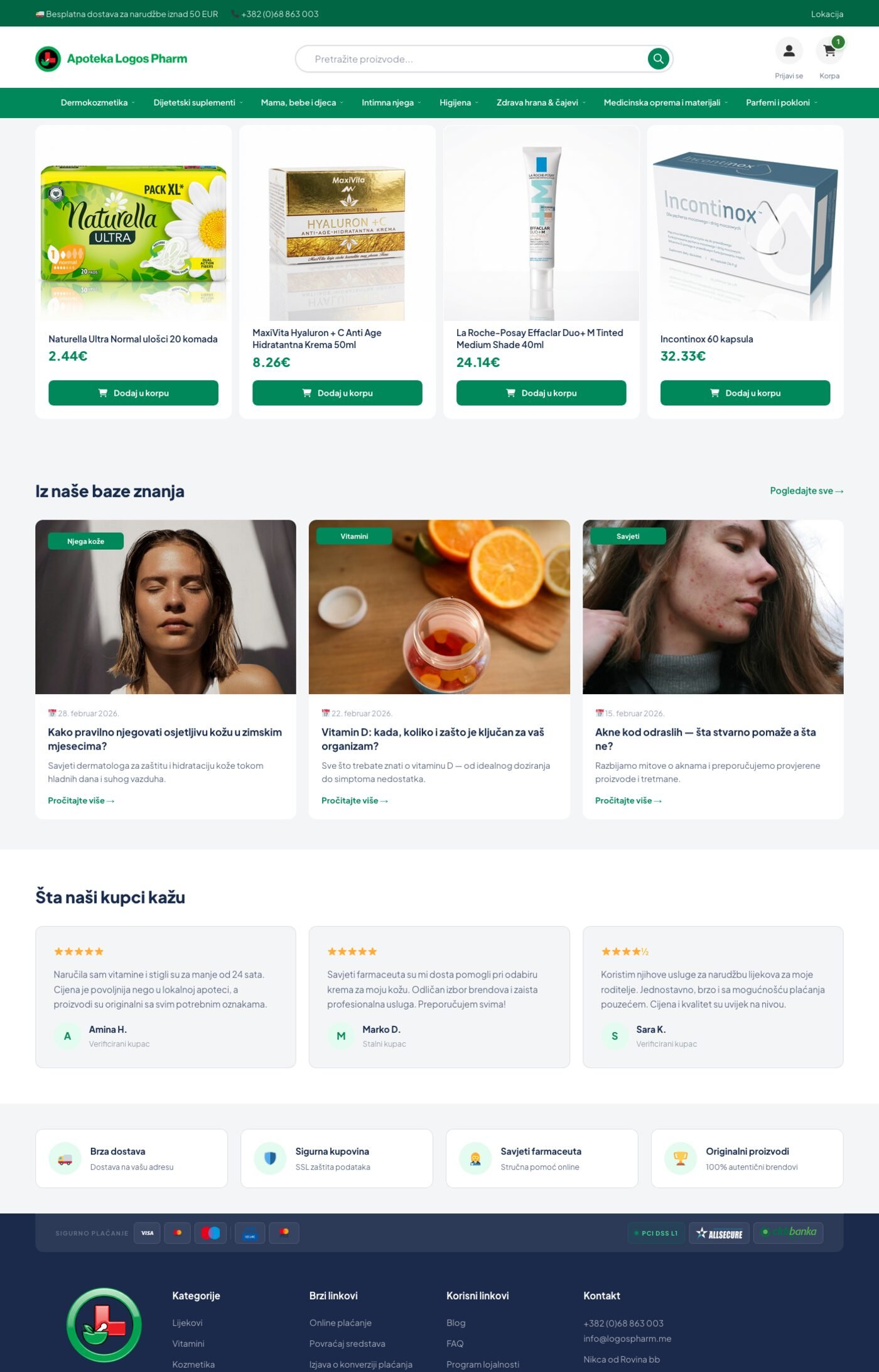
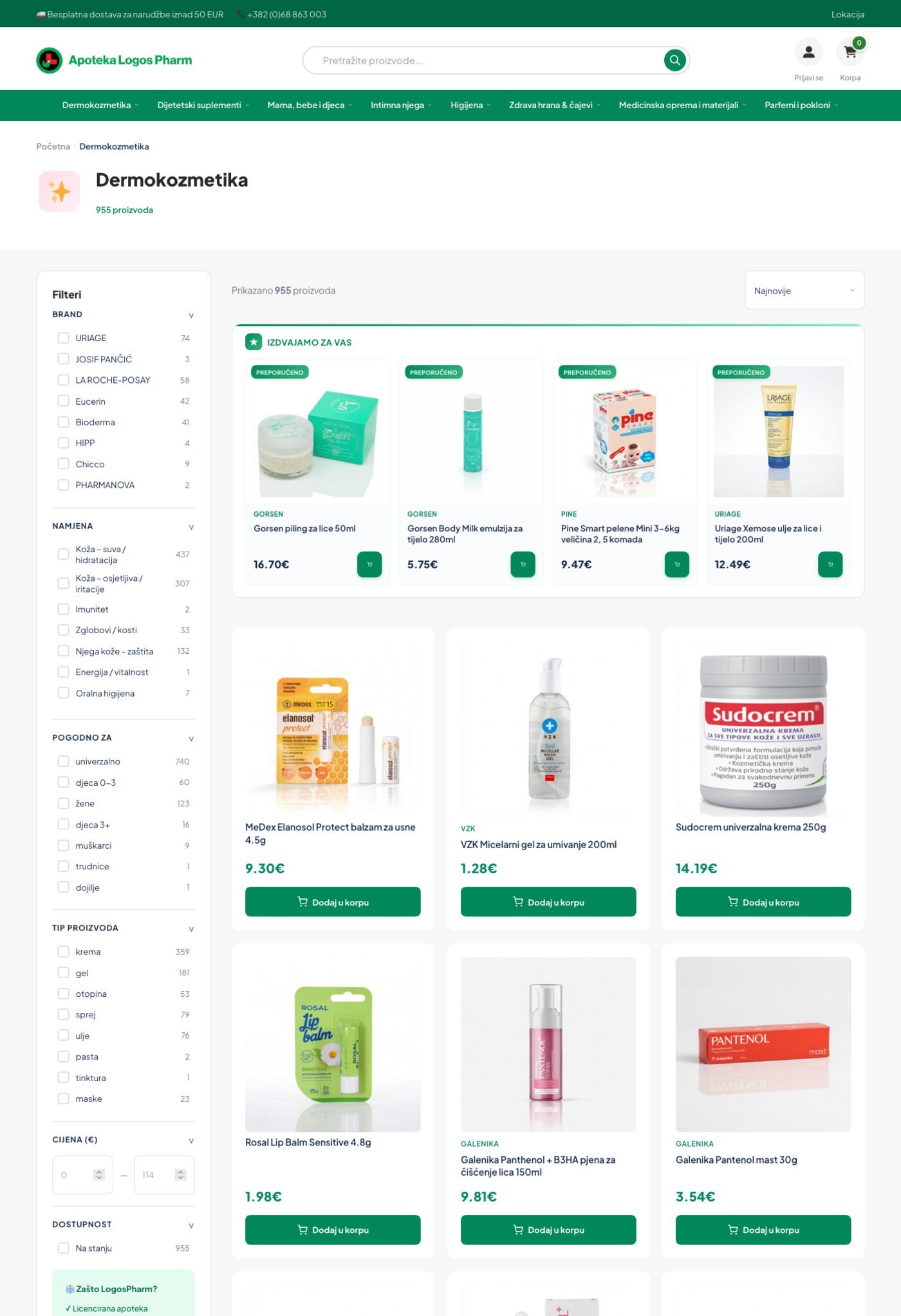
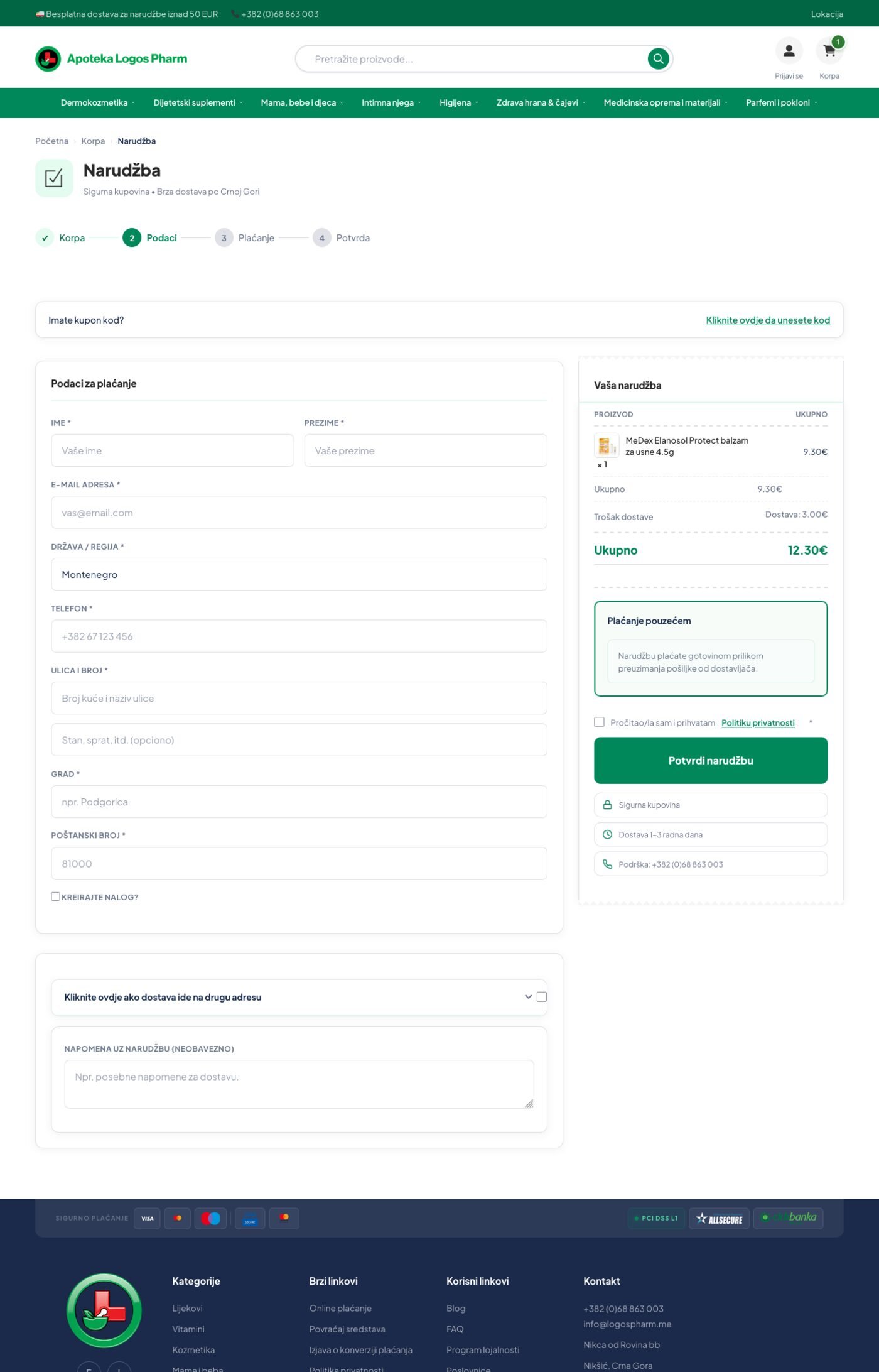
We build integrations that move data both ways, on a schedule or in real time, with a log of every run. LogosPharm keeps 3,000+ products in two-way sync with its ERP and fiscalization, with zero manual stock entry.
Six things that should never be re-typed.
Products and catalog
New items, descriptions, categories and images flow from the ERP or supplier feeds into the store. At LogosPharm an AI pipeline on n8n cleans supplier data, writes descriptions and publishes the products.
Stock levels
Inventory moves from the ERP to the store, so you stop selling what you don't have. At LogosPharm, stock updates need zero manual entry.
Prices
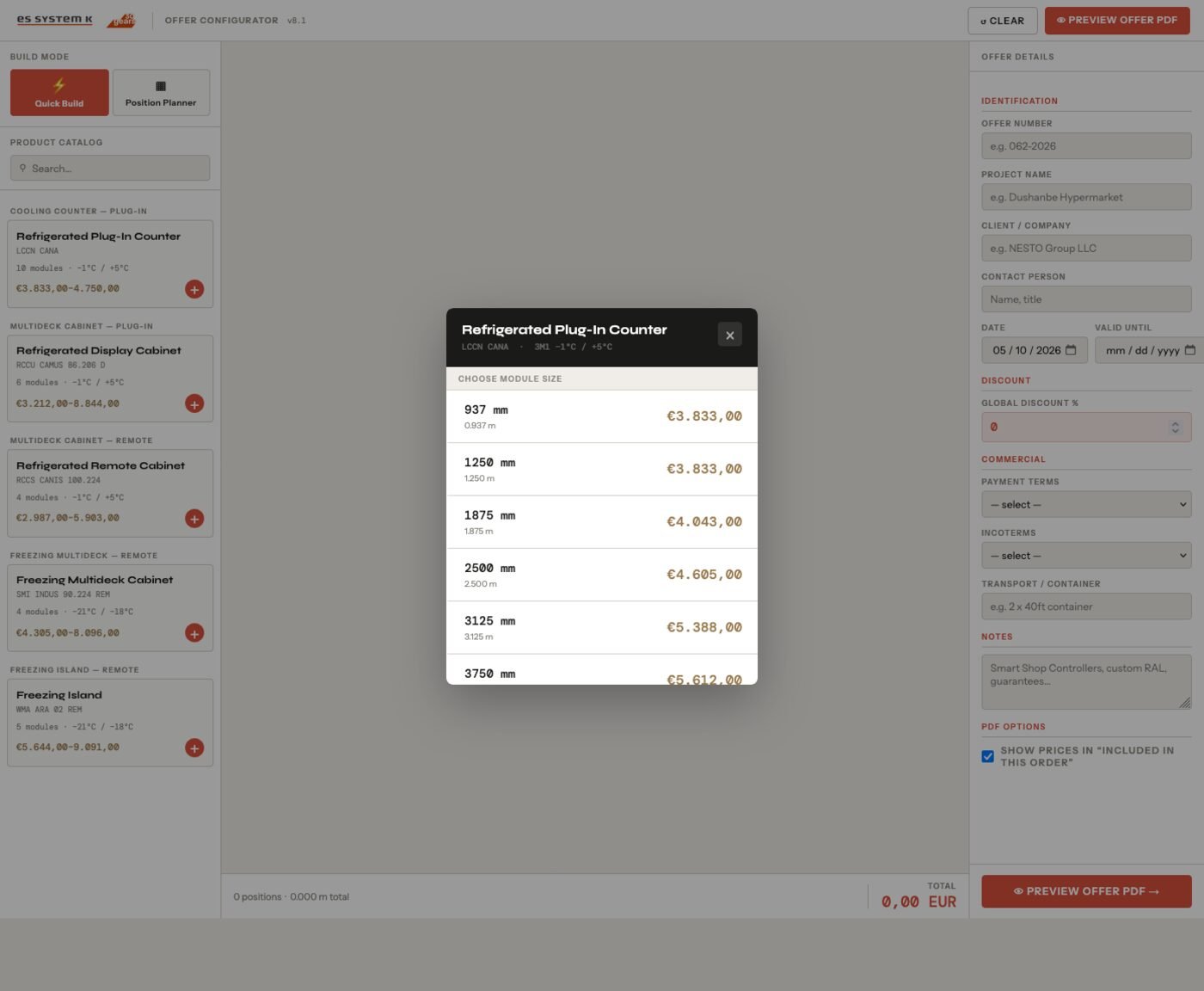
One pricing source for every channel. ES System K's quotes pull every price from one live catalog, so two versions never disagree.
Excel and CSV files
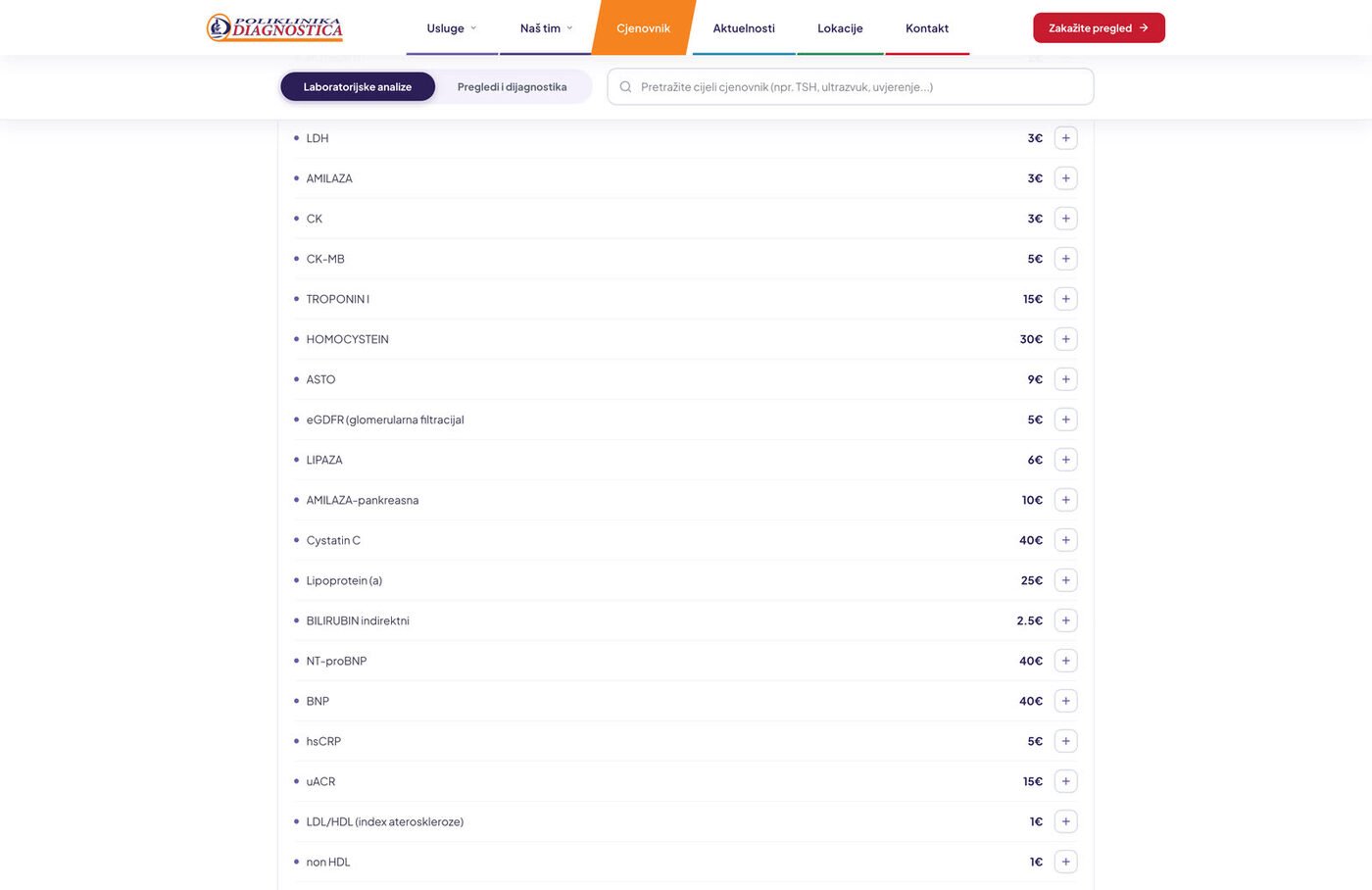
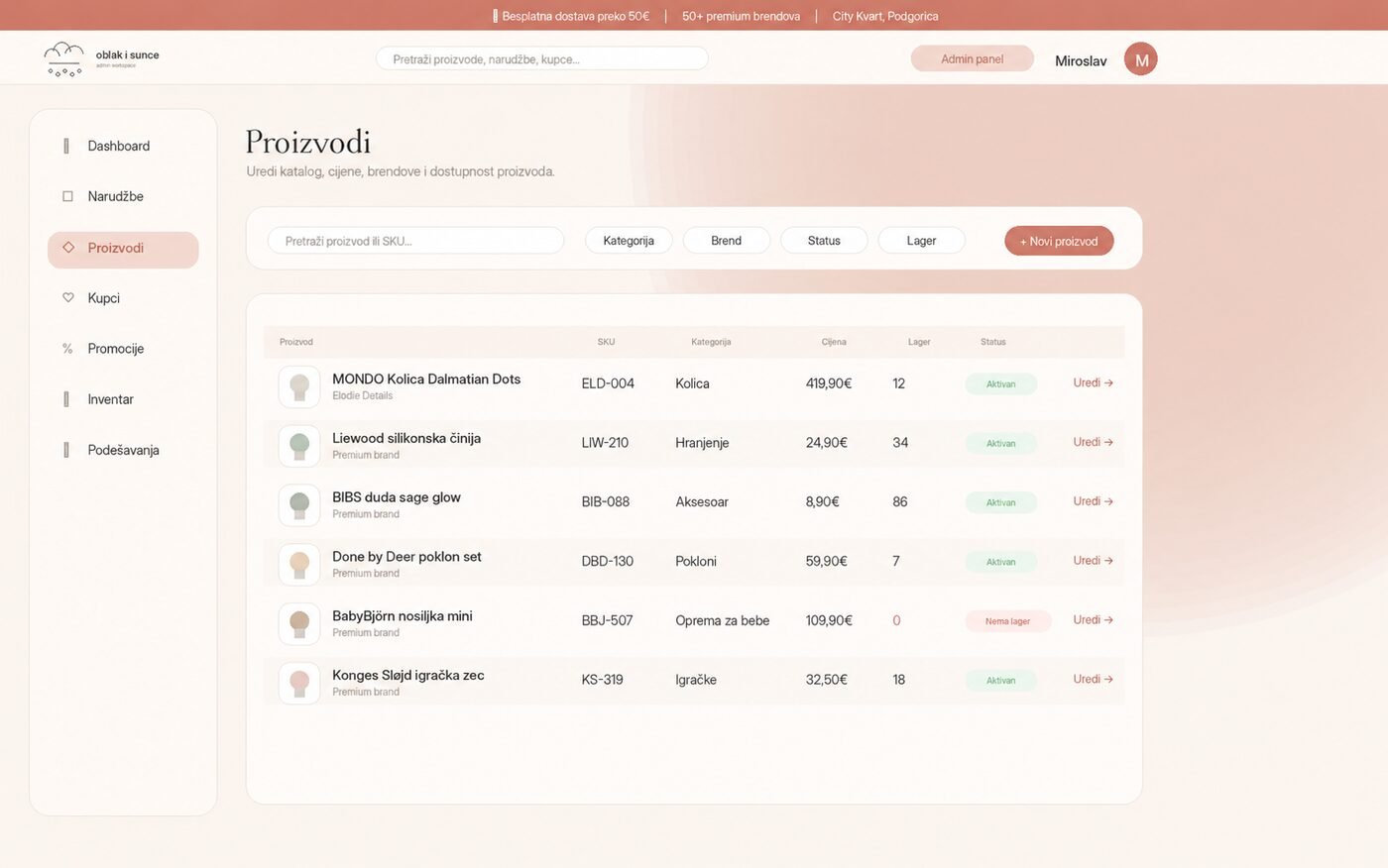
When the ERP is a spreadsheet, the spreadsheet becomes the source. Diagnostica's staff upload an .xlsx, preview every change and commit one reconciled update to a 490-item price list.
Fiscalization and invoicing
In markets with fiscal rules, like Montenegro, receipts and invoices are fiscalized automatically. LogosPharm has worked this way since day one.
Supplier feeds
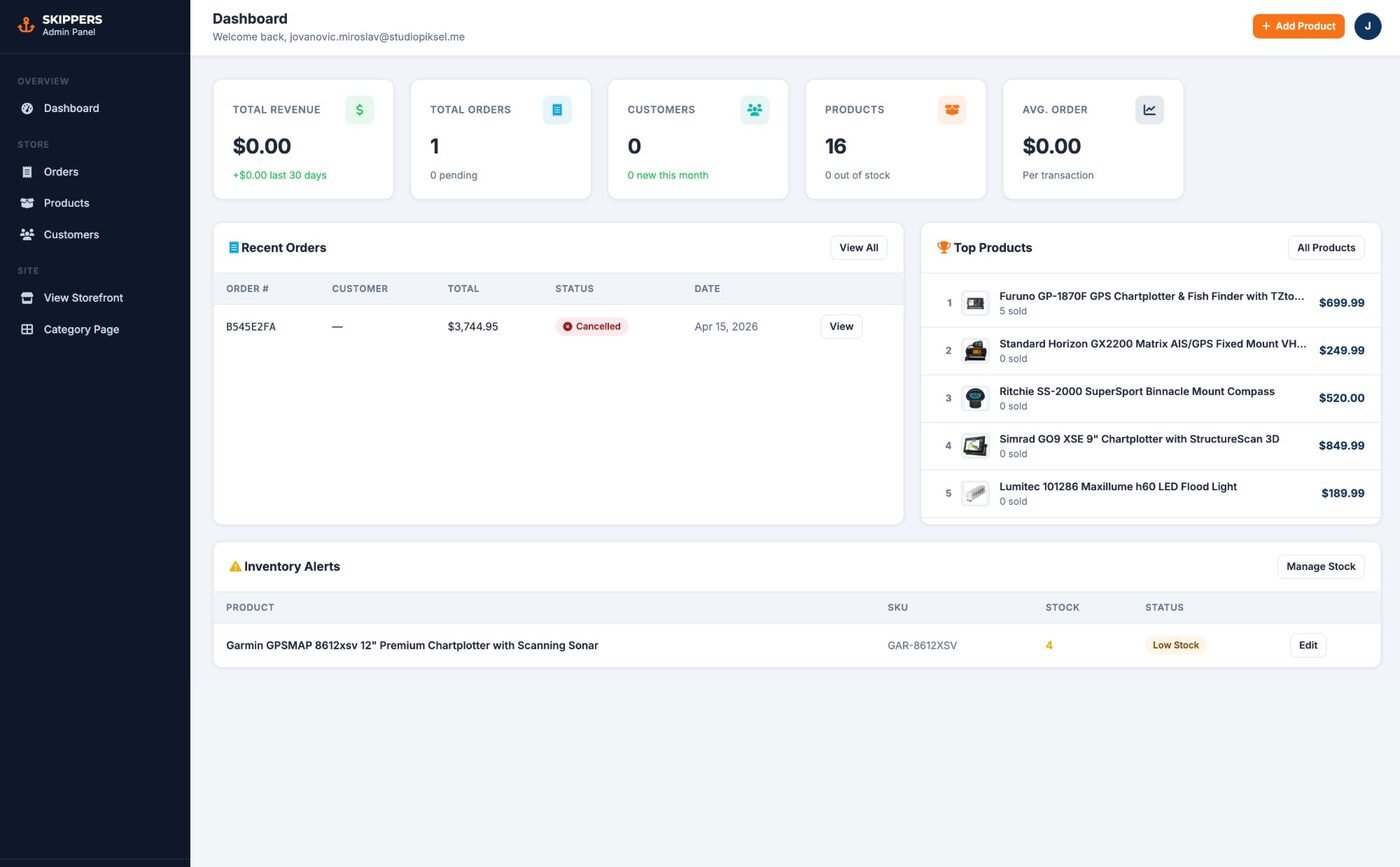
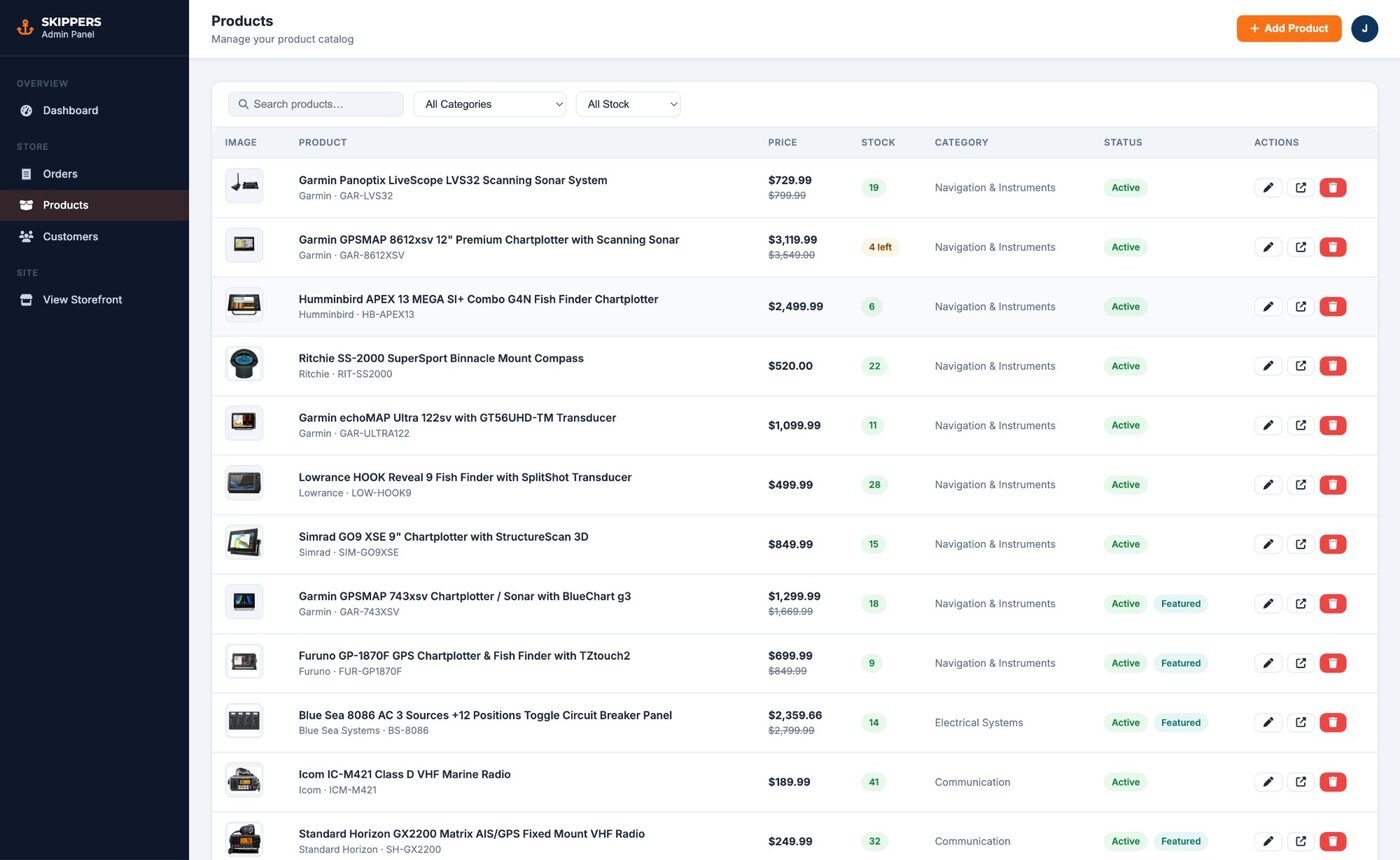
Distributor APIs and CSV files keep price and availability current. Skippers Shop syncs supplier data in real time and loads thousands of SKUs from one CSV in minutes.
Three ways to integrate, picked per data type.
Direct API integration
The store and the ERP exchange data through their APIs in real time. Best when both systems have a solid API and stock moves fast.
Middleware and automation (n8n)
An automation layer sits between systems, transforms the data and handles retries and logs. Good when several systems are involved or data needs cleaning on the way.
File-based sync (Excel, CSV)
Scheduled or manual uploads with a preview and validation step. Often the right answer when the ERP has no usable API, or when staff work in Excel anyway. That's how Diagnostica manages its price list.
Three integrations, three numbers.
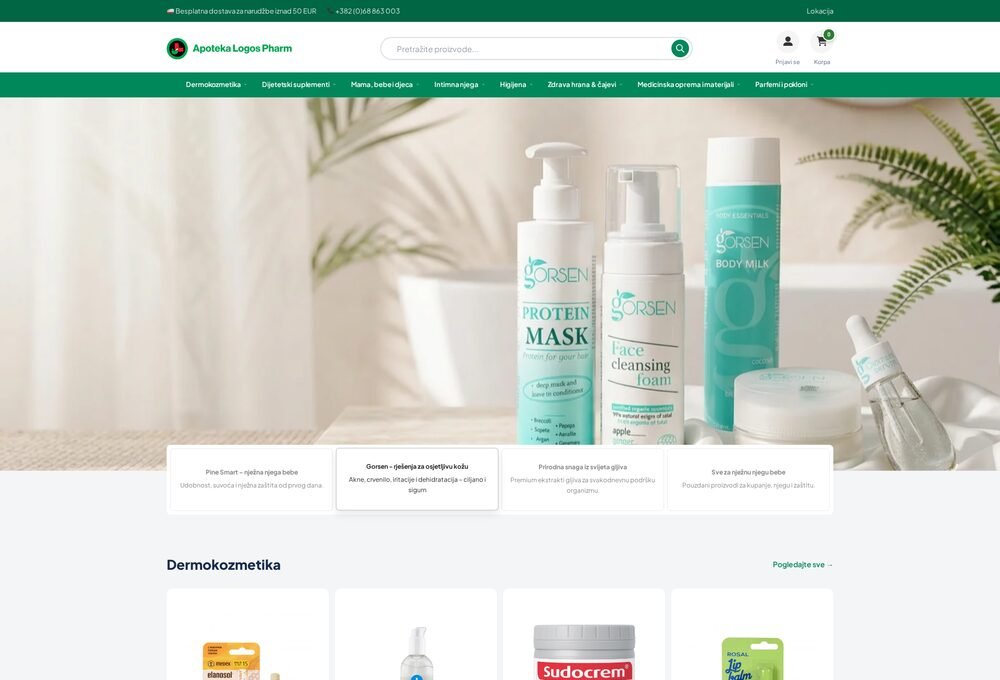 0
manual stock entry across 3,000+ products
LogosPharm
WooCommerce with custom API bridges to ERP, fiscalization and stock, plus an AI product pipeline on n8n.
See the build →
0
manual stock entry across 3,000+ products
LogosPharm
WooCommerce with custom API bridges to ERP, fiscalization and stock, plus an AI product pipeline on n8n.
See the build →
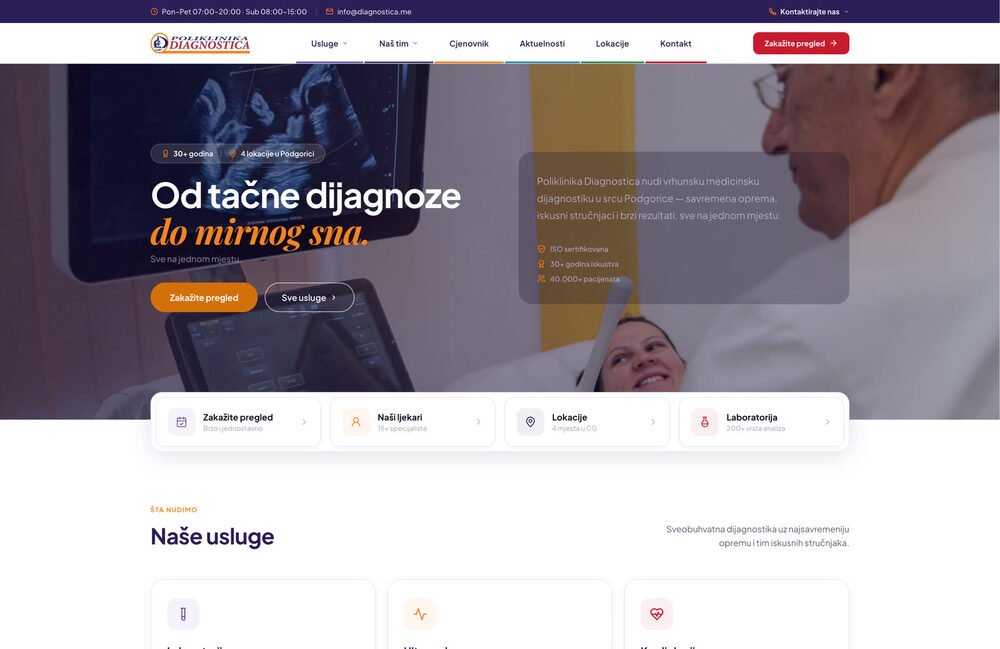 1
Excel upload to update a 490-item price list
Poliklinika Diagnostica
Two-way price sync with Excel: staff upload a file, preview every change and commit one reconciled update.
See the build →
1
Excel upload to update a 490-item price list
Poliklinika Diagnostica
Two-way price sync with Excel: staff upload a file, preview every change and commit one reconciled update.
See the build →
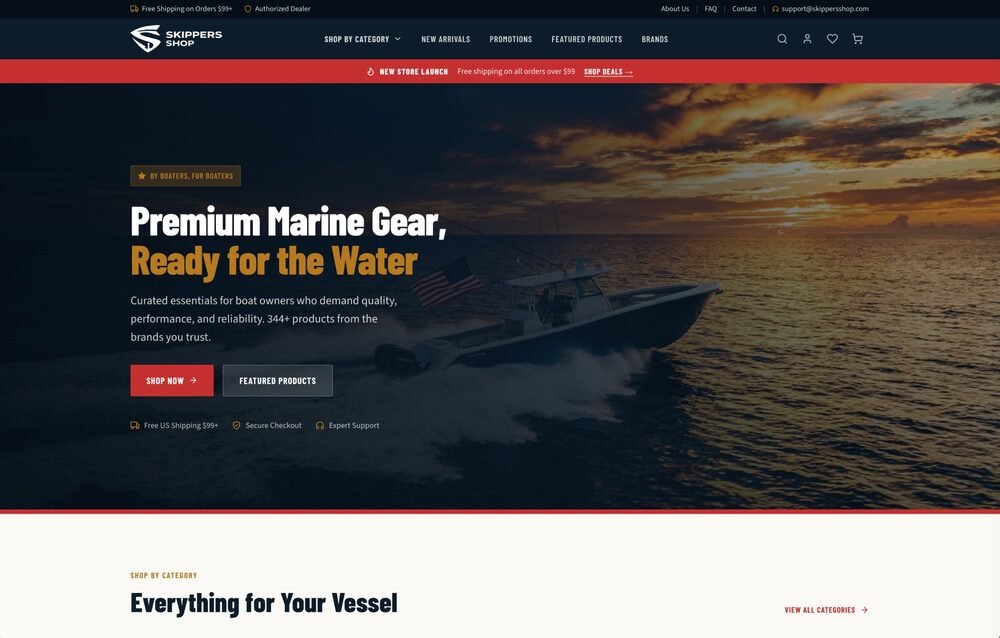 20+ h
of weekly manual entry replaced by one CSV upload
Skippers Shop
Real-time supplier sync and bulk CSV import for 10,000+ marine SKUs. Running as a demo, commercial launch planned for 2026.
See the build →
20+ h
of weekly manual entry replaced by one CSV upload
Skippers Shop
Real-time supplier sync and bulk CSV import for 10,000+ marine SKUs. Running as a demo, commercial launch planned for 2026.
See the build →
WooCommerce, Shopify or custom.
The store platform matters less than the data model behind the sync. We decide what moves where, how often and what happens when something fails, then build it on whatever you run.
We've built two-way ERP and fiscalization sync on WooCommerce (LogosPharm), two-way price sync on a custom platform (Diagnostica) and real-time supplier sync on another (Skippers Shop). Shopify exposes the same building blocks through its Admin API and webhooks, so the approach carries over. If the integration is the real problem and the store is fine, we leave the store alone.
A process with no surprises in it.
Every integration goes through the same four steps, so you always know what happens next and what it costs.
ERP integration: questions and answers.
How much does e-commerce ERP integration cost?
It depends on how many systems are involved, which data moves in which direction, how clean that data is, and whether the ERP has a usable API. After discovery you get a fixed price in writing, before any work starts.
Which ERPs can you integrate with?
Most ERPs, as long as they expose an API, a database export or structured files. LogosPharm's store syncs with the ERP and fiscalization systems the pharmacy already used. Where there's no API, a file-based sync with validation works reliably.
Real-time or scheduled sync?
Stock and orders usually need near real-time sync. Catalog and price updates often run on a schedule or after approval. We decide per data type, not per project.
What happens when a sync fails?
We build integrations with logging and retries, so a failed run is visible and recoverable instead of silently wrong.
Does it work with WooCommerce?
Yes. LogosPharm is a heavily customized WooCommerce store with custom API bridges that keep its ERP, fiscalization and stock in two-way sync.
Can you integrate Shopify with an ERP?
Shopify offers the same building blocks through its Admin API and webhooks, so the same approach applies. We'll confirm on the first call whether your ERP and your plan make it practical.
Let's map what
should sync with what.
A thirty-minute call. We'll look at your store, your ERP and the manual steps in between, and tell you plainly what an integration would take.